
A productive office desk setup does more than look neat. It helps you stay steady, focused, and less drained through midday. As your monitors sit at eye level, your chair supports your lower back, and your daily tools stay within easy reach, work feels smoother right away. Small choices like better lighting, clear desk zones, and simple cable control also cut friction. The best part is that a few smart changes can reshape your whole day.
What Makes a Desk Setup Productive?
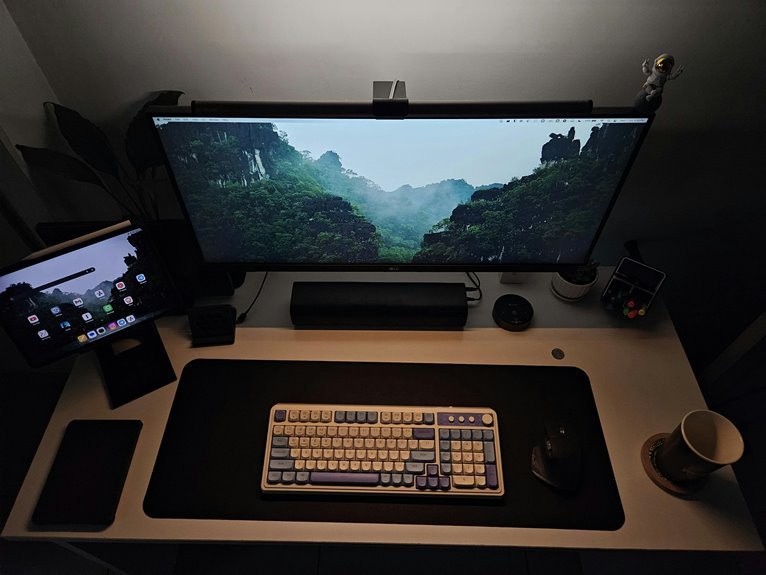
Start with dual monitors so you can compare files, draft notes, and keep key tools open at once. That cuts window swapping and keeps your flow steady.
Next, choose ergonomic lighting that brightens your desk without harsh glare, so your eyes don’t work overtime.
Add a chair and desk height that feel natural, because comfort keeps you steady through long tasks.
Then keep essentials close and clutter low, since a clear surface clears your mind too.
Once your setup fits your habits, you work with less friction and a lot more confidence.
Set Up Your Monitor to Reduce Strain
Place your monitor so the top of the screen sits at eye level, and keep it about an arm’s length away. This helps you hold your head in a natural position, so your neck and shoulders don’t have to work so hard.
Also, watch for glare from windows or lights, because a clear screen is easier on your eyes and keeps you comfortable longer.
Eye-Level Monitor Position
If your monitor sits at the right height, your neck and shoulders can finally relax instead of working overtime all day. You feel more settled, and your workspace starts to feel like it fits you.
Aim for monitor alignment so the top of the screen meets your eye line, then keep your chin level and your gaze steady. That simple shift supports gaze comfort and helps you stay present without fidgeting.
If you share a desk or work long hours, this small change can make your setup feel more welcoming, like it was built with you in mind. Add small adjustments as needed, and trust your body’s signals.
When your screen feels natural, your focus follows, and your day feels easier too.
Proper Viewing Distance
Getting your monitor at the right distance can do a lot for your comfort, especially after a long stretch of focused work. You want your monitor distance about an arm’s length away, so your eyes can relax and stay steady.
If you lean in, your neck and shoulders start to work too hard, and that can wear you down fast. Instead, keep your screen comfort high by sitting back, checking that text looks clear, and making small changes until it feels natural.
You belong in a setup that fits you, not one you fight all day. So, adjust the screen until you can read easily without squinting. A simple tweak like this can make your workspace feel calmer, friendlier, and easier to return to.
Minimize Screen Glare
A bright screen can feel exhausting fast, but you can tame that glare with a few smart changes.
Start by checking your window placement, because direct sunlight can wash out your display and make you squint. Turn your monitor so light falls beside it, not on it, and use curtains if needed.
Next, pick anti glare surfaces for your desk or screen cover, since matte finishes soften reflections and help your eyes relax. Then lower the brightness to match the room, so your screen doesn’t shout at you all day.
You can also tilt the monitor slightly to dodge overhead lights. When you shape the space this way, you join a setup that feels calmer, friendlier, and easier to work in together.
Choose the Right Chair and Desk Height
You need a chair that supports your lower back and lets your feet rest flat, because good support keeps your body from working harder than it should.
Then set your desk so your elbows stay close to a 90-degree bend, which helps your shoulders relax and your wrists stay comfortable.
Whenever the chair and desk match your body, your setup feels easier to use and a lot less draining.
Chair Support Matters
Even the best desk setup can feel off whenever your chair and desk height fight each other. You deserve a seat that hugs your lower back with lumbar support and gives steady seat cushioning, so you can settle in without fidgeting.
Whenever the chair fits you well, your shoulders stay relaxed, your hips feel grounded, and your focus lasts longer. Whenever the chair feels too hard or too flat, small aches sneak in fast and steal your rhythm.
Try a chair that lets you adjust the backrest, armrests, and tilt, so your body feels included, not squeezed out. Then you can work beside others with more ease, less strain, and a calmer mind. Good support makes your desk time feel like your space.
Desk Height Balance
When your chair finally supports your back the right way, the next thing to check is whether your desk height matches your body. You want your elbows to rest near 90 degrees, with your wrists straight and shoulders relaxed. That balance makes desk height ergonomics work for you instead of against you.
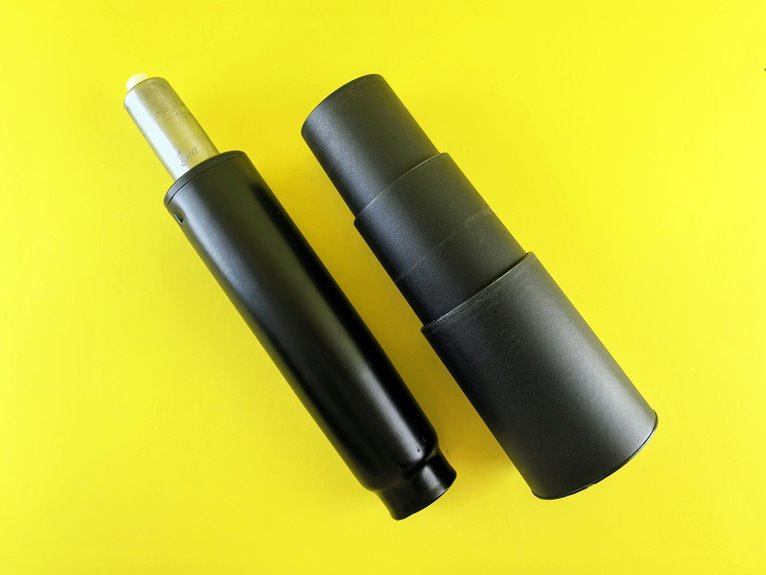
Whenever the desk feels too high, your neck tightens; whenever it’s too low, you slouch and lose energy. With a standing desk, standing desk calibration matters just as much. Raise or lower it until your forearms stay level and your screen feels easy to view.
Small tweaks help you fit in at your own workspace, like the setup was made for you. Whenever your tools meet your posture, your day feels smoother and more welcome.
Keep Daily Tools Within Easy Reach
Keeping your daily tools within easy reach can make your desk feel calmer and your workday feel lighter. Whenever you plan daily essentials placement, you stop hunting for pens, chargers, and notes, and you stay in the flow with your team and your own tasks. That sense of ease helps you feel settled, not scattered.
| Tool | Best Spot |
|---|---|
| Pen | Near your dominant hand |
| Notebook | Front edge |
| Charger | Side corner |
| Sticky notes | Upper corner |
| Headphones | Hook or tray |
With tool reachability optimization, you give each item a simple home, so your hands move less and your focus stays stronger. Small habits like this can make your desk feel friendly, familiar, and ready for the next task.
Split Your Desk Into Simple Work Zones
A simple desk zone plan can make your whole workday feel less messy and more controlled. Start with workflow mapping so you can see where each task begins and ends. Put your keyboard, mouse, and main screen in one zone, then keep note-taking and reference items in a second zone.
Next, use zone labeling with small tags, color cues, or simple habits so you always know what belongs where. This helps you move through tasks faster and feel more settled at your desk. You’ll waste less time hunting for things, and your space will feel more like it fits you.
Keep each zone clear enough to support the next task, and your desk starts working with you, not against you.
Manage Cables to Cut Visual Clutter
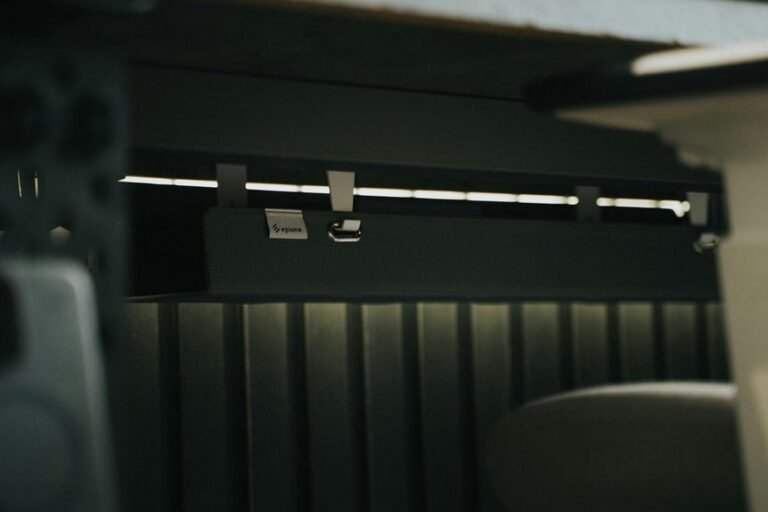
Even a great desk layout can feel chaotic as the cables are left to sprawl across it. You can calm that mess with smart cable routing under the desk, along edges, or behind gear. If each cord has a clear path, your workspace feels like it belongs to you, not the other way around.
Use clips, sleeves, and ties to keep lines together, then add cord labeling so you can spot each plug fast. That small step saves time as you move devices or clean up. You’ll also avoid the knot of mystery cords that always seems to breed overnight.
With fewer tangles in sight, your desk looks sharper, and you can settle in with a clearer mind and a smoother daily rhythm.
Add Lighting for Better Task Work
As you light your desk well, task work feels easier on your eyes and steadier in your mind. You deserve a setup that helps you stay focused without feeling alone in the glow.
Start with task lighting beside your main work area so you can read, write, and click with less squinting. Then raise ambient brightness enough to soften harsh shadows and keep the room calm.
When your lamp feels too sharp, angle it away from your screen and let the light spread more evenly. You can also mix warm and neutral tones to make the space feel inviting, not cold.
With balanced light, your desk starts to feel like a place where you belong and can do your best work.
Adapt Your Desk to Your Daily Tasks
You can shape your desk around the task in front of you, so each part of the surface has a clear job.
A task-based layout helps you keep tools close, cut down on useless reaching, and move faster as your work changes.
As your day shifts from writing to calls to planning, flexible zones make it easy to reset your desk without starting over.
Task-Based Layouts
That makes task sequencing feel natural, because you move from one step to the next without extra fuss. Keep your main tools where your hands already go, and place items you use later a little farther out.
This small shift helps you stay calm and ready, even on busy days. Whenever you match your desk to your tasks, you feel less scattered and more at home in your space.
Flexible Surface Zones
A flexible desk surface lets you shift your setup with your day, and that can feel like a huge relief. With surface zoning, you give each area a clear job, so your focus feels less crowded and more natural. You can keep one zone for deep pondering and another for quick jotting or tools. That simple split helps you settle in fast.
| Zone | Use |
|---|---|
| Main | Core work |
| Side | Notes |
| Corner | Supplies |
| Front | Quick access |
Flexible work surfaces help you belong in your space, not fight it. You can place what you need close, then move it as tasks change. That ease lowers stress and keeps your desk friendly. As your surface works with you, the whole day feels calmer, and you do too.
Daily Workflow Shifts
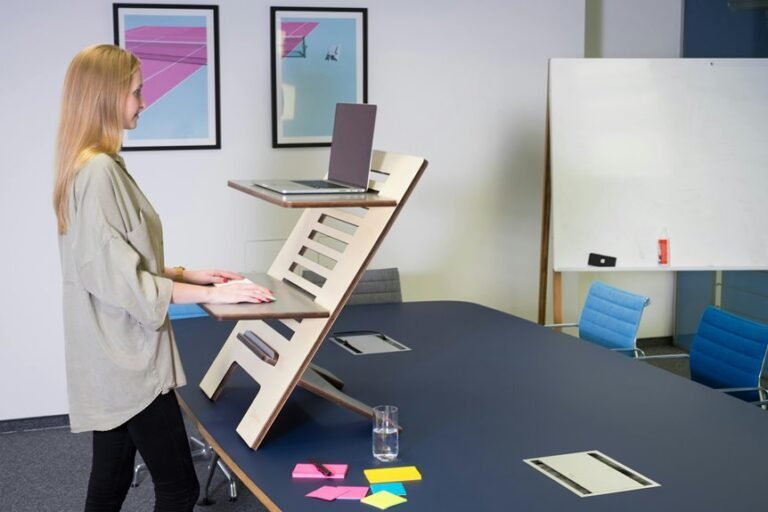
Next, make routine adjustments using raising your standing desk for focus bursts, then lower it once you need calm, detailed thinking. Keep your chair, lamp, and tools close, so each switch feels easy and familiar. Whenever your space matches your task, you feel more settled, more capable, and more like you belong in your own work rhythm.
Reduce Distractions With Simple Desk Rules
As your desk starts pulling your attention in ten directions, simple rules can bring it back under control. You don’t need a perfect setup; you need shared habits that make focus feel normal. Practice digital minimalism by keeping only what you need within reach, and use distraction reduction rules that everyone around you can respect.
| Rule | Why it helps |
|---|---|
| One task on screen | Cuts window hopping |
| Phone out of reach | Stops quick checks |
| Clear top surface | Lowers visual noise |
| End of day reset | Lets tomorrow feel easy |
You’ll feel less scattered as your desk stays predictable. Keep papers in one spot, close unused tabs, and leave space for your hands. Small boundaries like these protect your attention and help you work with the same calm rhythm as your team.
Fine-Tune Your Office Desk Setup Over Time
Even the best desk setup needs small tune-ups, because your work, habits, and body keep changing over time. You can treat each setup iteration like a friendly check-in with yourself.
If your shoulders feel tight, raise the monitor or chair a bit. If you switch tasks often, add a second screen or move tools closer. Listen to workflow feedback from your own energy, not just your calendar.
When clutter creeps in, clear one cable, one tray, one stack at a time. Small changes help you stay comfortable and focused without turning your desk into a science project.
Over time, these tiny upgrades make your space feel like it truly fits you, and that sense of fit can make work feel lighter, steadier, and more yours.
Frequently Asked Questions
How Does Desk Shape Affect Collaboration in Shared Office Spaces?
Desk geometry changes how people work together in shared offices by steering eye contact, reach, and movement. L shaped desks support fast side by side teamwork, while curved or rectangular desks encourage comfortable, inclusive, connected interactions.
What Are the Benefits of Using Dual Monitors for Productivity?
Dual monitors improve productivity by reducing the need to switch between windows and by giving you more room to work. When your workspace is less cluttered, you can move through tasks faster, manage several projects more smoothly, and feel more focused and in control.
When Is a Standing Desk Better Than a Traditional Seated Desk?
You’ll prefer a standing desk when you want to feel more energized, reduce slouching, and break up hours of sitting. It works well if you switch positions during the day, need to stay focused, and want a workspace that encourages movement.
How Do Plants Influence Focus and Comfort at a Workstation?
Plants can sharpen focus and make a workstation feel more comfortable by improving air quality and easing visual strain. Even a small amount of greenery can reduce visual clutter and help restore concentration, supporting a calmer, more grounded workspace.
Which Color Schemes Make Office Desks Feel Less Visually Overwhelming?
Muted neutrals paired with gentle contrast can make a desk feel settled and easy on the eyes. This kind of palette creates a composed workspace that supports focus, keeps distractions low, and gives the area a lighter, more open feel.